
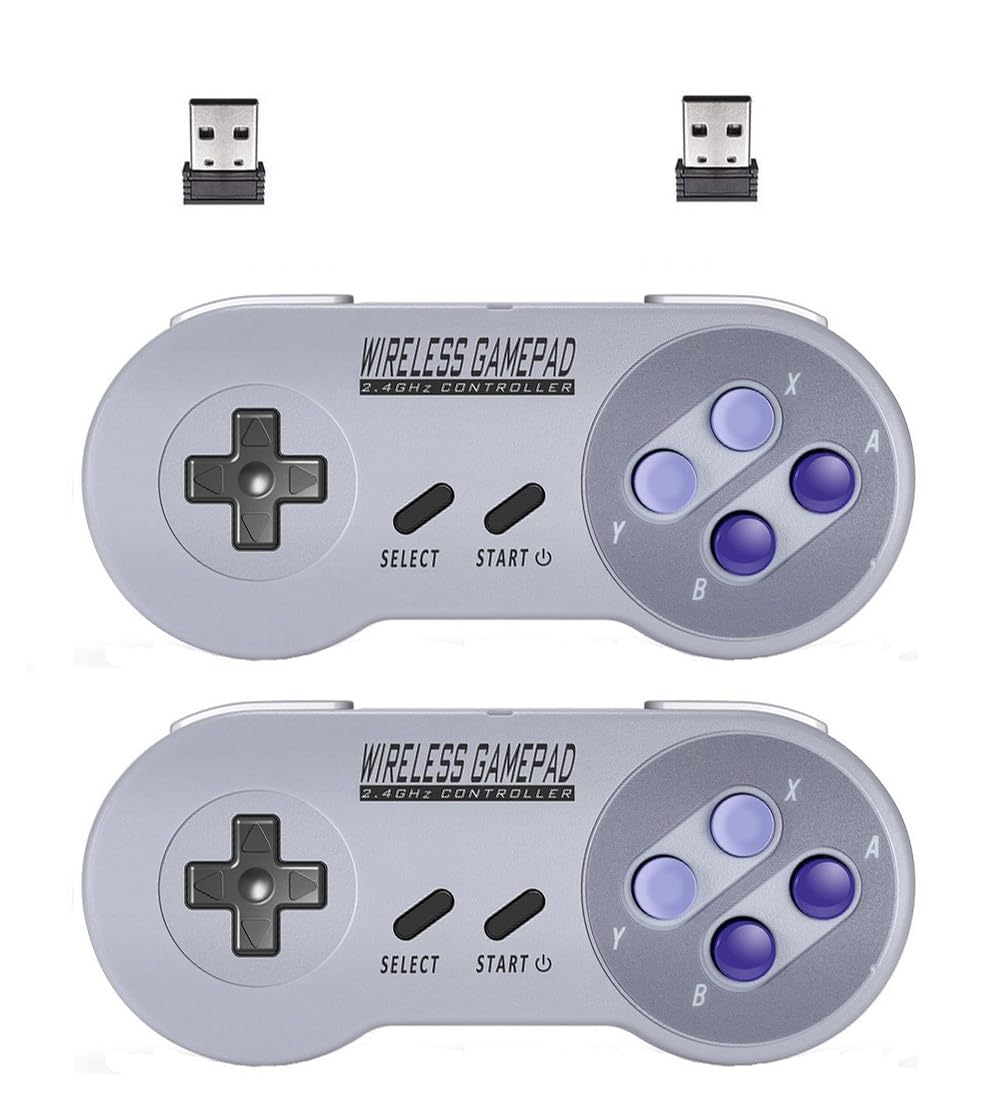
ZAMPAM 2 Pack 2.4GHz Wireless USB Controller Compatible with SNES Games & Nintendo Switch 1, Retro USB Gamepad for Windows PC, Mac, Linux, Raspberry Pi, RetroPie – Classic Design, Plug & Play
Product details
| Management number | 209013206 | Release Date | 2026/03/29 | List Price | $14.00 | Model Number | 209013206 | ||
|---|---|---|---|---|---|---|---|---|---|
| Category | |||||||||
USB wireless adapter USB wireless adapter allow you to play many games on multiple platforms, Such as Raspberry Pi, PC, MACBOOK, Android TV BOX. For using the USB wireless adapter, Please download software like" joystick mapper" configure keys with the software. then you can play on your Macs, Window Gadget For the USB mode. the controller support X input and D input. The default setting of the controller for USB mode is Xinput. This mode compatible with Windows (pc),Linux (Raspberry Pi) ,Android (Cell phone & PAD). But for MAC, You need to Switch to Dinput. By press key: “Select” + “L” + “Y” synchronously. Please take reference from our Manual. The controller has turbo function : you can set (A/B/X/Y) as Turbo key in the USB mode by press and hold "select"+(A/B/X/Y) to turn on/off
- Wide Compatibility – Compatible with Nintendo Switch (Switch 1 only), Windows PC, Mac OS, Linux, Raspberry Pi, RetroPie, Recalbox and more. Perfect for retro gaming, emulators, and classic game systems. Not compatible with Nintendo Switch 2.
- Advanced 2.4GHz Wireless Connection Stable 2.4GHz RF wireless technology provides a fast and responsive gaming experience with up to 10 meters (32 ft) of range. No lag, no drops — just smooth gameplay.
- Simple Plug & Play Setup: No drivers or software required. Just plug the USB receiver into your device and start playing instantly. Compatible with most programs and emulator platforms that support standard USB game controllers.
- Classic Retro Design with Precision Controls Features a familiar SNES-style layout with super-sensitive buttons for accurate, responsive control. Ideal for NES, SNES, Genesis, GBA, RetroArch, BSNES, OpenEmu, and more.
- Rechargeable Battery with Long Life Built-in 240mAh rechargeable battery provides up to 3 hours of continuous gameplay. Fully charges in about 1 hour. Includes battery level indicator for convenient monitoring.
| UPC | 717214014531 |
|---|---|
| Color | Gray |
| Brand Name | ZAMPAM |
| Item Weight | 0.25 Kilograms |
| Manufacturer | ZAMPAM |
| Power Source | Battery Powered |
| Button Quantity | 12 |
| Controller Type | Gamepad |
| Package Quantity | 2 |
| Hardware Platform | Desktop, Laptop, Mac, PC, Respberry PI |
| Compatible Devices | Android, Mac, Raspberry PI, Windows |
| Additional Features | Wireless |
| Connectivity Technology | USB |


Bestseller ranking
Pizza Crust


Customers who viewed this product also viewed
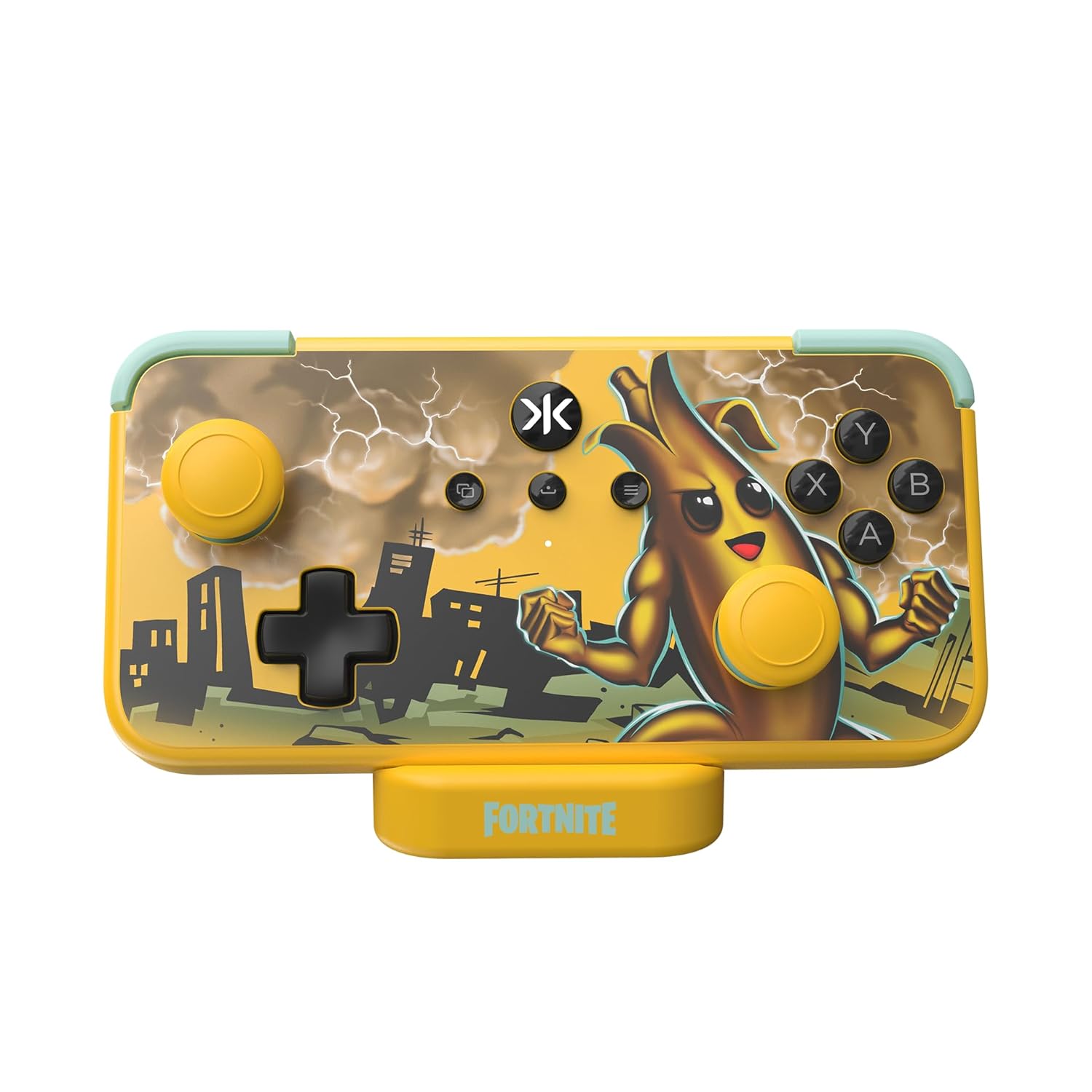
Controllers




Correction of product information
If you notice any omissions or errors in the product information on this page, please use the correction request form below.
Correction Request Form